Alight Motion vs Adobe Premiere Rush – Mobile Video Editing Comparison
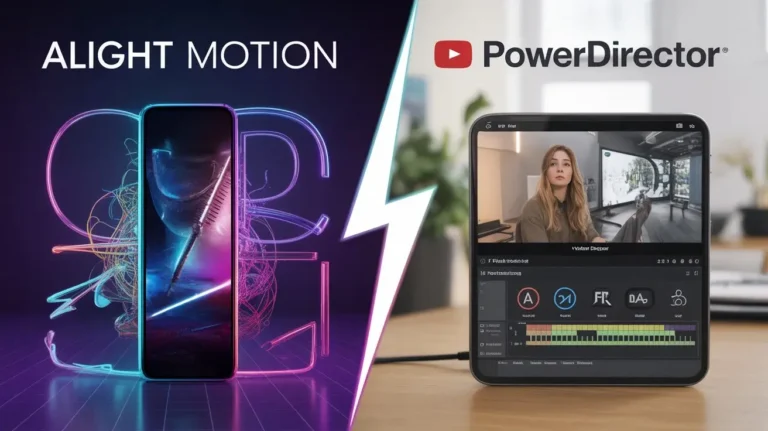
Mobile video editing has become more advanced, and creators now expect professional tools directly on their phones.The comparison of Alight Motion vs Adobe Premiere Rush highlights two editors built for very different creative goals.he comparison between Alight Motion vs Adobe Premiere Rush has become common because both apps target mobile creators, yet their editing philosophy and feature sets are very different.
Introduction to Mobile Video Editing Apps
Short-form video, social media reels, and mobile-first content have increased demand for advanced editing applications. Today’s editors must handle animations, effects, transitions, and exports efficiently without relying on desktop software. While many apps promise professional results, only a few deliver consistent performance and creative control. This is where the debate around Alight Motion vs Adobe Premiere Rush becomes relevant.
Overview of Alight Motion
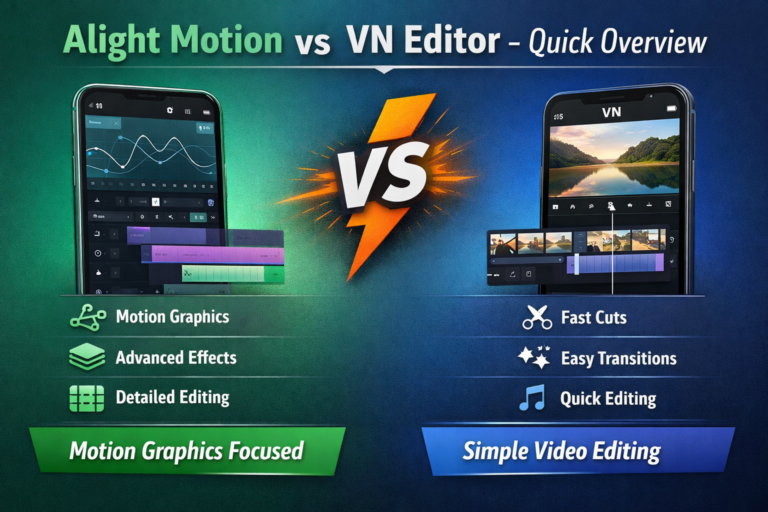
Alight Motion is widely recognized for its focus on motion graphics and animation-based editing. Unlike basic cutters or template editors, it allows users to build visuals layer by layer with a high level of customization.
Core Features of Alight Motion
Alight Motion supports keyframe animation, vector graphics, blending modes, and advanced visual effects. Users can animate text, shapes, and images independently, which makes it suitable for logo animations, typography videos, and dynamic social content. The timeline system is detailed and gives creators precise control over movement and transitions.
Who Should Use Alight Motion?
This app is best suited for creators who prioritize visual creativity over speed. Motion designers, YouTubers, and editors who enjoy building effects manually will find strong value here. Beginners can use it, but the learning curve is noticeable compared to simpler editors.
Overview of Adobe Premiere Rush
Adobe Premiere Rush is designed as a simplified version of desktop Premiere Pro, adapted for mobile and quick content production. Its goal is efficiency rather than deep animation control.
Main Tools in Adobe Premiere Rush
Premiere Rush offers a clean timeline, preset transitions, built-in titles, color correction sliders, and automatic audio balancing. It focuses on trimming, arranging clips, and exporting content quickly. Integration with Adobe Creative Cloud allows users to move projects between mobile and desktop environments.
Ideal Users of Adobe Premiere Rush
This app is ideal for vloggers, marketers, and social media managers who need fast edits with consistent results. Users already familiar with Adobe products will adapt quickly due to its familiar interface.
Feature Comparison: Alight Motion vs Adobe Premiere Rush
|
Feature Area |
Alight Motion |
Adobe Premiere Rush |
|---|---|---|
|
Editing Style |
Motion graphics & animation |
Timeline-based video editing |
|
Keyframe Control |
Advanced and flexible |
Limited |
|
Visual Effects |
Highly customizable |
Preset-based |
|
Learning Curve |
Medium to high |
Low |
|
Cloud Integration |
Minimal |
Strong (Adobe ecosystem) |
|
Target Audience |
Creative editors |
Fast-paced content creators |
This comparison shows that both tools serve different creative priorities rather than competing directly on the same strengths.
Performance and App Stability
Alight Motion Performance Review
Performance depends heavily on device hardware. Complex animations, multiple layers, and effects can cause lag on mid-range phones. However, on modern devices, rendering and playback are smooth. Crashes may occur in very heavy projects, especially during exports.
Adobe Premiere Rush Performance Review
Premiere Rush is optimized for stability. Even on average devices, it runs smoothly because it avoids heavy animation processing. Export times are generally faster, and background rendering helps maintain consistent performance.
Editing Workflow and User Experience
The workflow difference is significant. Alight Motion vs Adobe Premiere Rush requires planning, as animations and effects are built manually using keyframes. This gives creative freedom but slows down production. Alight Motion vs Adobe Premiere Rush uses a streamlined workflow where clips are trimmed, arranged, and enhanced using presets. This reduces creative depth but increases speed and consistency.
Export Quality and Format Support
Alight Motion allows high-resolution exports with adjustable frame rates and bitrates. It is suitable for detailed visuals where sharp motion matters. Adobe Premiere Rush supports standard export formats optimized for platforms like YouTube, Instagram, and TikTok. Its exports are consistent but less customizable.
Pros and Cons Breakdown
Alight Motion Pros and Cons
Pros
Cons
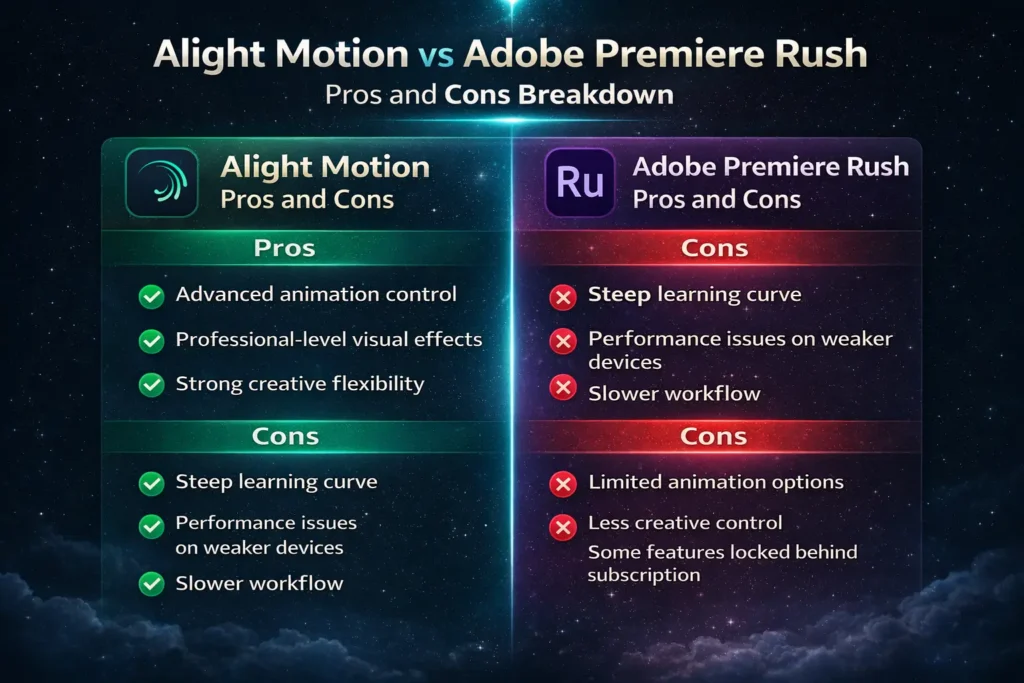
Adobe Premiere Rush Pros and Cons
Pros
Cons
Best Use Cases for Each App
Alight Motion is best for animated intros, motion graphics, lyric videos, and visual branding. Adobe Premiere Rush works best for vlogs, social media updates, marketing clips, and quick edits where speed matters more than customization.
Which App Is Better for You?
Choosing between Alight Motion vs Adobe Premiere Rush depends on how you create content. If your focus is expressive visuals and animation, Alight Motion offers tools that few mobile editors can match. If your priority is fast production and cross-platform publishing, Adobe Premiere Rush delivers a smoother experience.
Final Verdict
There is no universal winner in this comparison Alight Motion vs Adobe Premiere Rush. Each app excels in its intended role. Alight Motion stands out for creative depth, while Adobe Premiere Rush dominates in simplicity and workflow efficiency. Understanding your editing goals is more important than choosing based on popularity alone.