Alight Motion VS VN Editor – Which App Truly Delivers Professional Effects in 2025?
Alight Motion VS VN Editor is not just a matter of which app is better overall, but which one aligns more closely with a user’s workflow and goals. Alight Motion focuses heavily on motion graphics, keyframe animation, and advanced visual effects, making it a strong choice for creators who want detailed control over animations. In contrast, VN Editor emphasizes simplicity, fast editing, and a clean timeline, which appeals to users who want quick, polished videos without a steep learning curve.
Alight Motion vs VN Editor – Quick Overview
Alight Motion works around layers and keyframes. You animate things manually.
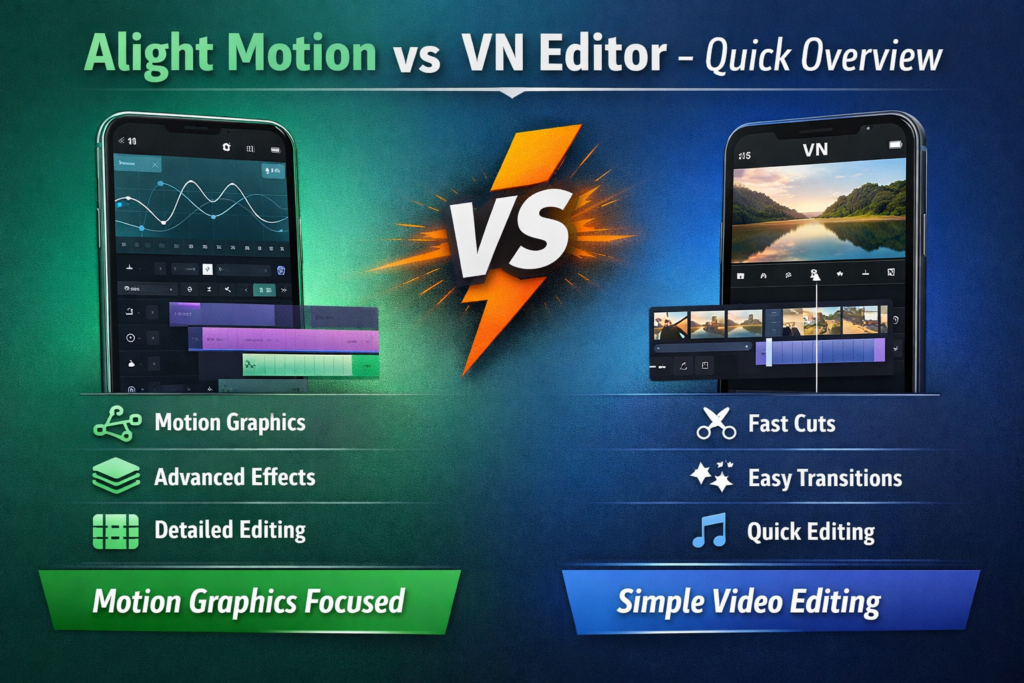
VN Editor works around clips on a timeline. You cut, arrange, add text, export. Effects are optional, not central.
Both apps can produce clean output. They just take different routes to get there.
Head-to-Head Comparison
Editing style
Effects approach
Learning curve
Best suited for
This is the basic difference. Details make it clearer.
Feature Deep-Dive – Alight Motion vs VN Editor
Effects & Motion Graphics
Alight Motion: lets you animate almost everything. Position, scale, rotation, blur, distortions. You control timing through keyframes. This allows very custom motion effects, but it also slows the process.
VN Editor: handles effects in a simpler way. You pick from built-in transitions or effects and apply them directly. You don’t build motion, you accept it.
Blunt sentence: VN Editor effects are safe, not impressive.
If motion design matters, Alight Motion clearly goes further.
Timeline & Editing Workflow
Alight Motion: uses a layered timeline. Text, shapes, video, and effects all stack. This works well for animation, but for simple trimming it feels heavy, especially on smaller screens.
VN Editor: timeline is clean and familiar. Clips are arranged in order. Audio sits below. Text sits above. It stays readable even in longer projects.
One awkward sentence: sometimes Alight Motion feels like too much for edits that should be simple.
Text & Typography Tools
Alight motion: is one of the most important thing in Text Animation. You can animate text freely and apply effects directly to it. This works well for logos, titles, and animated captions.
VN Editor: keeps text tools basic. It works fine for subtitles and simple titles, but advanced text animation is limited.
Export & Output Quality
Alight Motion vs VN Editor export quality mein farq workflow par depend karta hai.
Alight Motion visual accuracy ko zyada importance deta hai, lekin export slow ho sakta hai.
VN Editor exports fast aur stable deta hai, khas tor par long videos ke liye.
Long comma-heavy sentence: jab Alight Motion vs VN Editor projects mein zyada layers, motion blur, aur animated effects hotay hain, to export time barhta hai, phone heat hota hai, aur process tiring lagta hai.
Editing Workflow Experience – Speed vs Creative Freedom
Workflow is a key deciding point in Alight Motion VS VN Editor.
Timeline Control and Layer Management
Alight Motion uses a layer-based timeline.
This allows complex compositions and animations.
In Alight Motion VS VN Editor, VN Editor uses a simpler track-based timeline.
Ease of Use for Beginners vs Professionals
VN Editor is easier for beginners.
Most users can start editing immediately.
In Alight Motion VS VN Editor, Alight Motion requires learning but rewards professionals.
App Performance on Low-End and High-End Phones
VN Editor performs well on low-end devices.
Alight Motion works best on mid-range and high-end phones.
This performance gap matters in Alight Motion VS VN Editor decisions.
Real-World Use Cases – Which App Fits Your Editing Goals?
Use cases clearly separate Alight Motion VS VN Editor.
Best Choice for Professional Motion Designers
Alight Motion is ideal for motion designers.
It supports complex animations and layered visuals.
VN Editor cannot match this level in Alight Motion VS VN Editor.
Best Choice for YouTubers and Content Creators
For YouTube creators, Alight Motion VS VN Editor depends on style.
Alight Motion suits polished, animated videos.
VN Editor is better for fast and frequent uploads.
Best Choice for Reels, TikTok, and Shorts
VN Editor is perfect for short-form content.
It allows quick trimming and exports.
In Alight Motion VS VN Editor, Alight Motion suits stylized reels.
Alight Motion – Strengths, Weaknesses, and Ideal Users
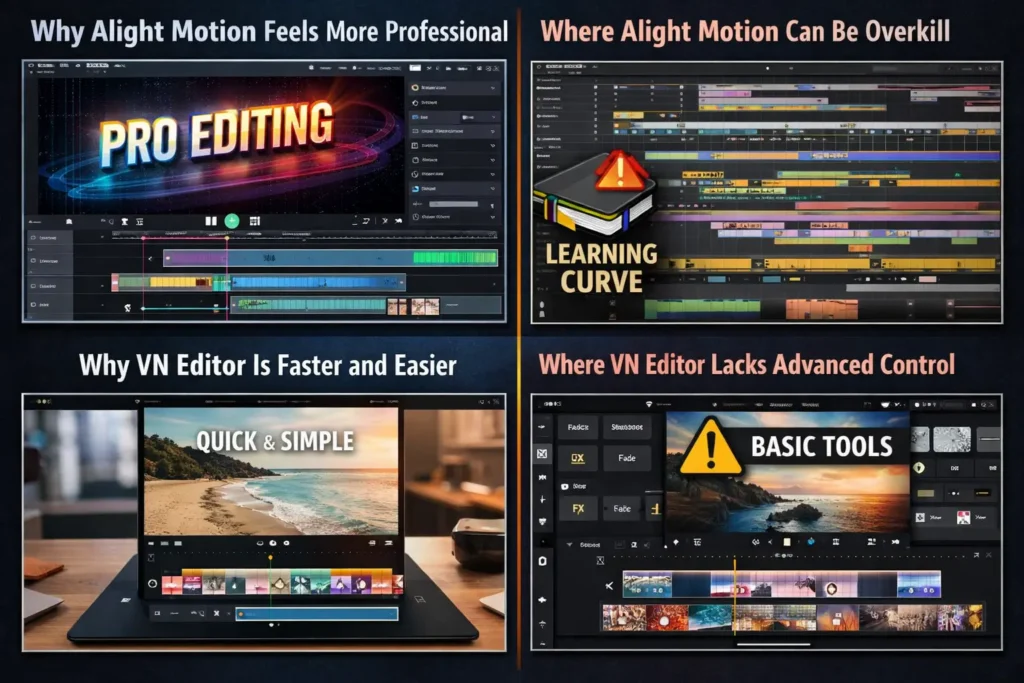
Why Alight Motion Feels More Professional
In Alight Motion VS VN Editor, Alight Motion stands out for professionals.
It offers advanced animation, effects, and creative freedom.
Where Alight Motion Can Be Overkill
For simple edits, Alight Motion may feel complex.
Beginners may need time to learn it.
VN Editor – Strengths, Weaknesses, and Ideal Users
Why VN Editor Is Faster and Easier
VN Editor is built for speed and simplicity.
In Alight Motion VS VN Editor, this makes it beginner-friendly.
Where VN Editor Lacks Advanced Control
VN Editor lacks professional animation tools.
This limits creative depth in Alight Motion VS VN Editor.
Pricing, Free Version Limits, and Value for Money
Both apps offer free versions.
In Alight Motion VS VN Editor, Alight Motion’s paid plan unlocks advanced tools.
VN Editor focuses on affordability and simplicity.
Final Verdict – Alight Motion VS VN Editor (Clear Recommendation)
Choose Alight Motion If You Want Advanced Effects
Choose Alight Motion for motion graphics and professional editing.
In Alight Motion VS VN Editor, it is best for advanced users.
Choose VN Editor If You Want Quick Editing
Choose VN Editor for fast, clean, and simple videos.
It is ideal for beginners and social media creators.