|
Getting your Trinity Audio player ready... |
3D Effects in Alight Motion
If you want your edits to look more professional and eye-catching, 3D effects can completely change the game. In Alight Motion, 3D features allow you to add depth, realistic movement, and cinematic style all from your phone.
Instead of flat 2D designs, 3D effects give your text and objects dimension. When used properly, they make your videos feel more dynamic and polished.
Let’s break everything down step by step in a simple way.
Creating 3D Text and Titles
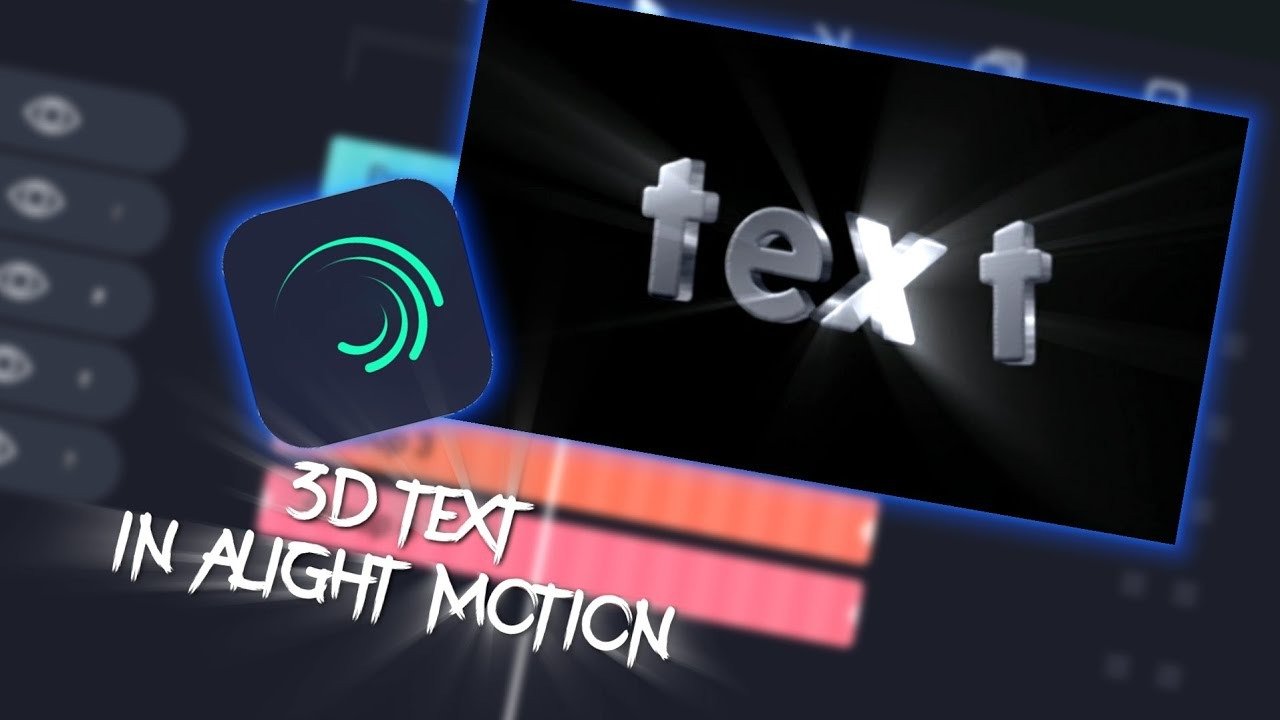
3D text is one of the most popular effects people use in Alight Motion. You’ve probably seen rotating intro titles or dramatic name reveals that’s 3D Effects in Alight Motion text in action.
How to Create 3D Text
- Open your project.
- Tap on Text and type your title.
- Turn on the 3D Layer option.
- Adjust the X, Y, and Z rotation.
- Add keyframes to animate it.
- Apply shadow for depth.
That’s it. Simple but powerful.
Make It Look Better
- Use bold fonts for stronger depth.
- Add motion blur for smooth movement.
- Don’t rotate too much subtle movement looks more professional.
- Combine scaling with rotation for cinematic style.
Small details make a big difference.
Working with 3D Objects
It’s not just about text. You can also create 3D-looking shapes and objects.3D Effects in Alight Motion
While Alight Motion doesn’t support full 3D modeling like desktop software, you can create a realistic 3D illusion using layers.Add a shape.
Simple Trick for 3D Objects
- Add a shape.
- Duplicate it several times.
- Move each layer slightly backward.
- Rotate on the Z-axis.
- Group the layers.
This creates a depth effect that looks surprisingly realistic.
The key is spacing and alignment. If layers are too far apart, the illusion breaks.
Lighting and Shadows in 3D
Lighting is what makes 3D feel real. Without shadows, everything looks flat.
In Alight Motion, you can:
- Add shadow effects
- Adjust blur
- Change opacity
- Move shadow direction
Think of it like real life light always comes from one direction. If your shadow direction doesn’t match, the design feels off.
Soft shadows look natural. Strong shadows look dramatic. Choose based on your style.
Animating 3D Effects
Animation is where things get exciting.
3D without movement is just design. But once you animate it, everything comes alive
Basic Animation Method
- Add a keyframe at the start.
- Move forward in the timeline.
- Change rotation or position.
- Add easing for smooth motion.
Always use easing. Without easing, movement looks robotic and stiff.
Popular 3D Animations
- Rotating intro titles
- Zoom-in cinematic text
- Floating object effect
- Smooth swing animation
The secret? Keep movements smooth and controlled.
Advanced Techniques for 3D Effects
Once you’re comfortable with basics, try advanced techniques.
You can:
- Use camera movement for depth
- Combine multiple 3D layers
- Add blur for distance effect
- Use masking with 3D layers
- Add particles for cinematic vibe
Professional editors often use tools like Adobe After Effects for complex 3D projects, but for mobile editing, Alight Motion is surprisingly powerful.
It’s all about creativity.
Integrating 3D Effects with 2D Elements
One of the best tricks is mixing 3D with 2D elements.
For example:
- Keep your background 2D.
- Add 3D text on top.
- Blur the background slightly.
- Add shadow under the text.
This creates depth without making the screen too busy.
Layering properly makes your edit look clean and professional.
Tips and Tricks for Realistic 3D Effects
Here are some real-world tips that actually help:
- Don’t over-rotate objects
- Keep lighting consistent
- Use motion blur carefully
- Add easing to every animation
- Avoid too many glow effects
- Keep spacing balanced
Most beginners make one mistake they overdo everything.
Professional editing is about control and balance.
conclusion
3D effects in Alight Motion can take your edits from basic to professional. The tools are already there — you just need to understand how to use rotation, lighting, shadows, and keyframes properly.
Start simple. Practice smooth animation 3D Effects in Alight Motion. Focus on balance.
With time, your 3D edits will look clean, cinematic, and impressive even on mobile.